Bench
Our own workbench app for building small machines. Every project lives twice: on a canvas that simulates the circuit, and on the desk where it gets built for real.
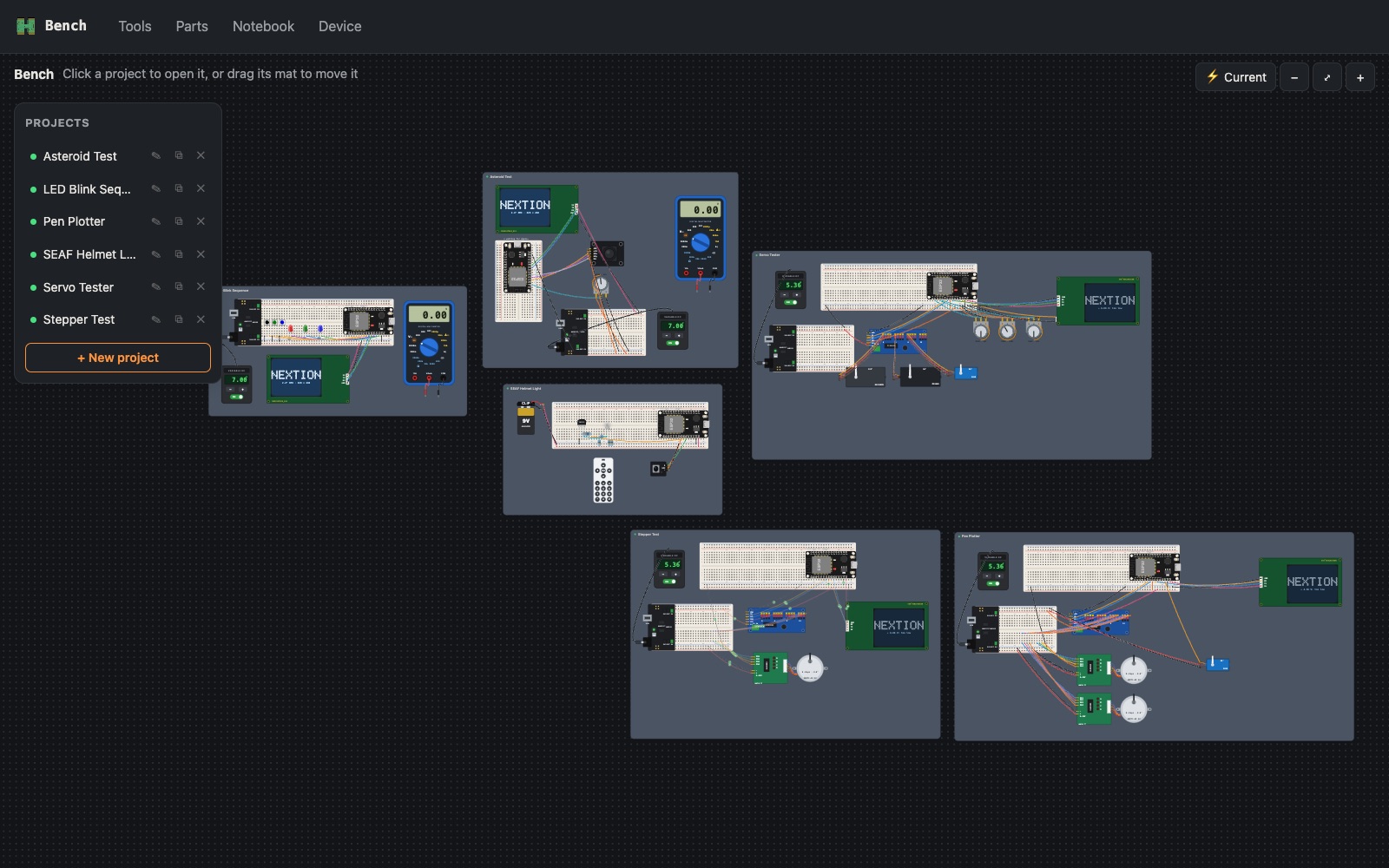
One project, five views
Each project is a single file. Every view is drawn from it, so they can't disagree.
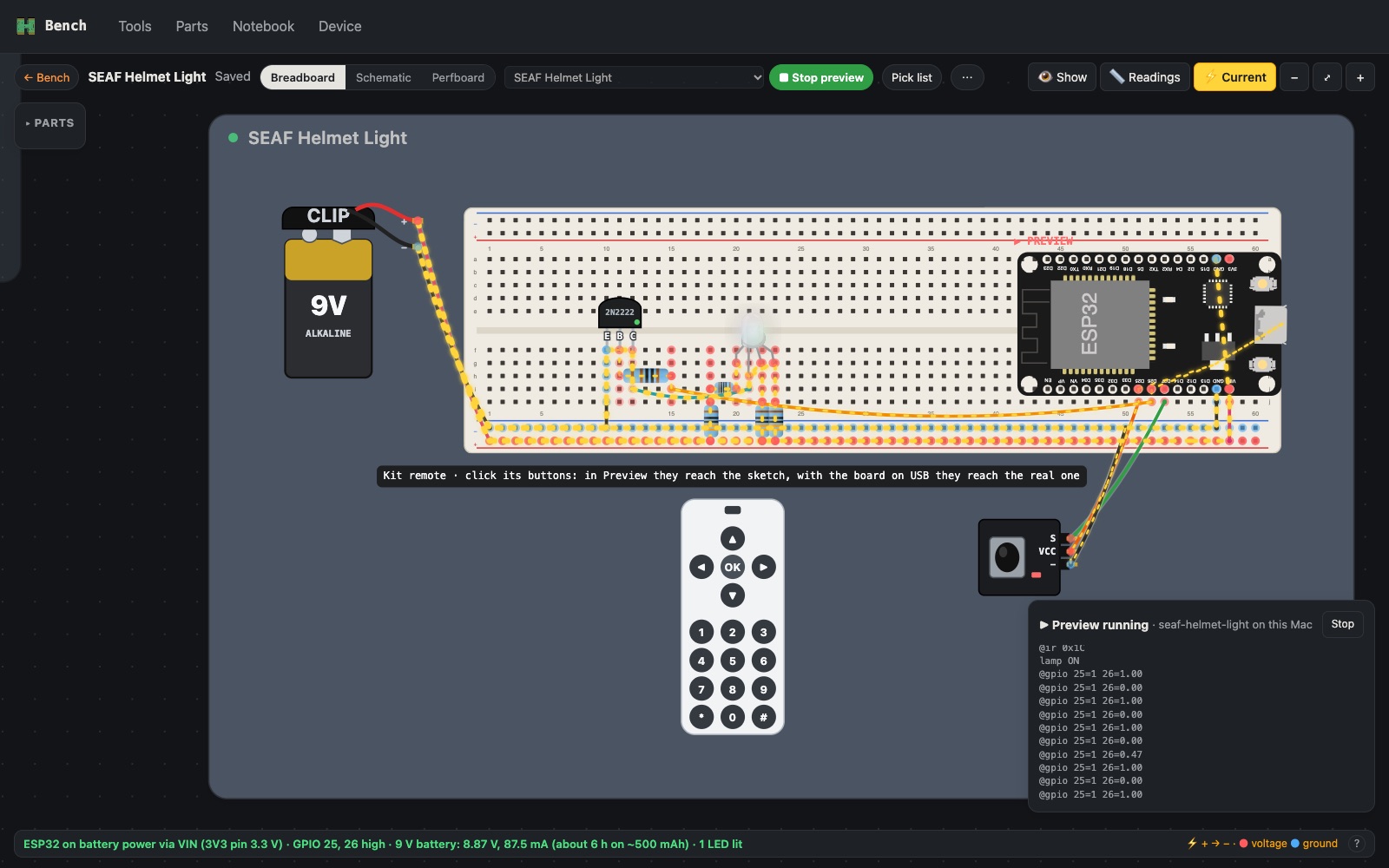
Breadboard
Parts and jumpers sit in real holes, laid out the way they are on the desk. A circuit solver runs all the time: hover a pin for its voltage, or animate current to see where it flows. The SEAF helmet lamp below draws 87.5 mA from a 9 V battery, about 6 hours.
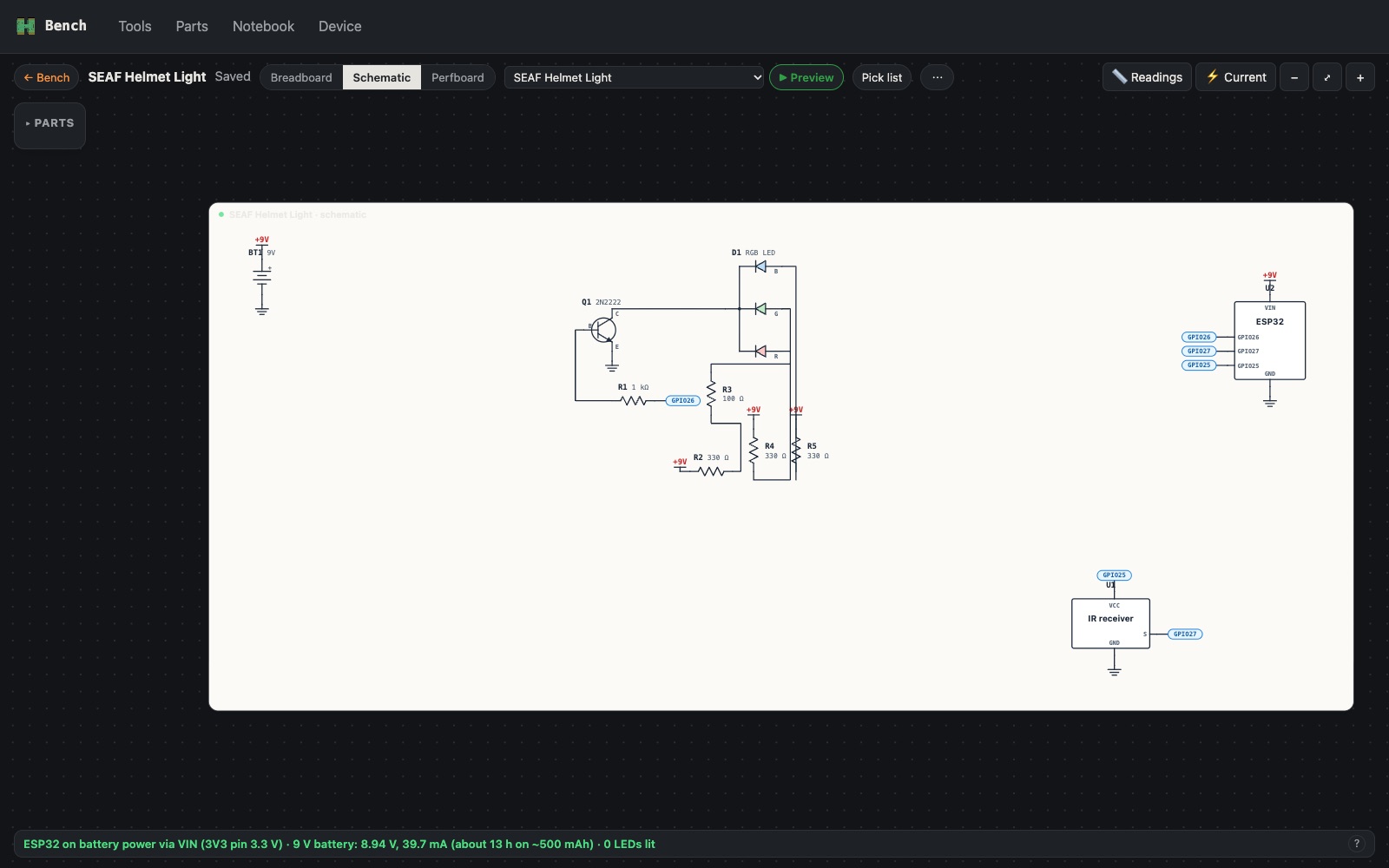
Schematic
Worked out from the breadboard automatically, with reference numbers (R1, Q1, D1), supply symbols and labelled wires to the ESP32.
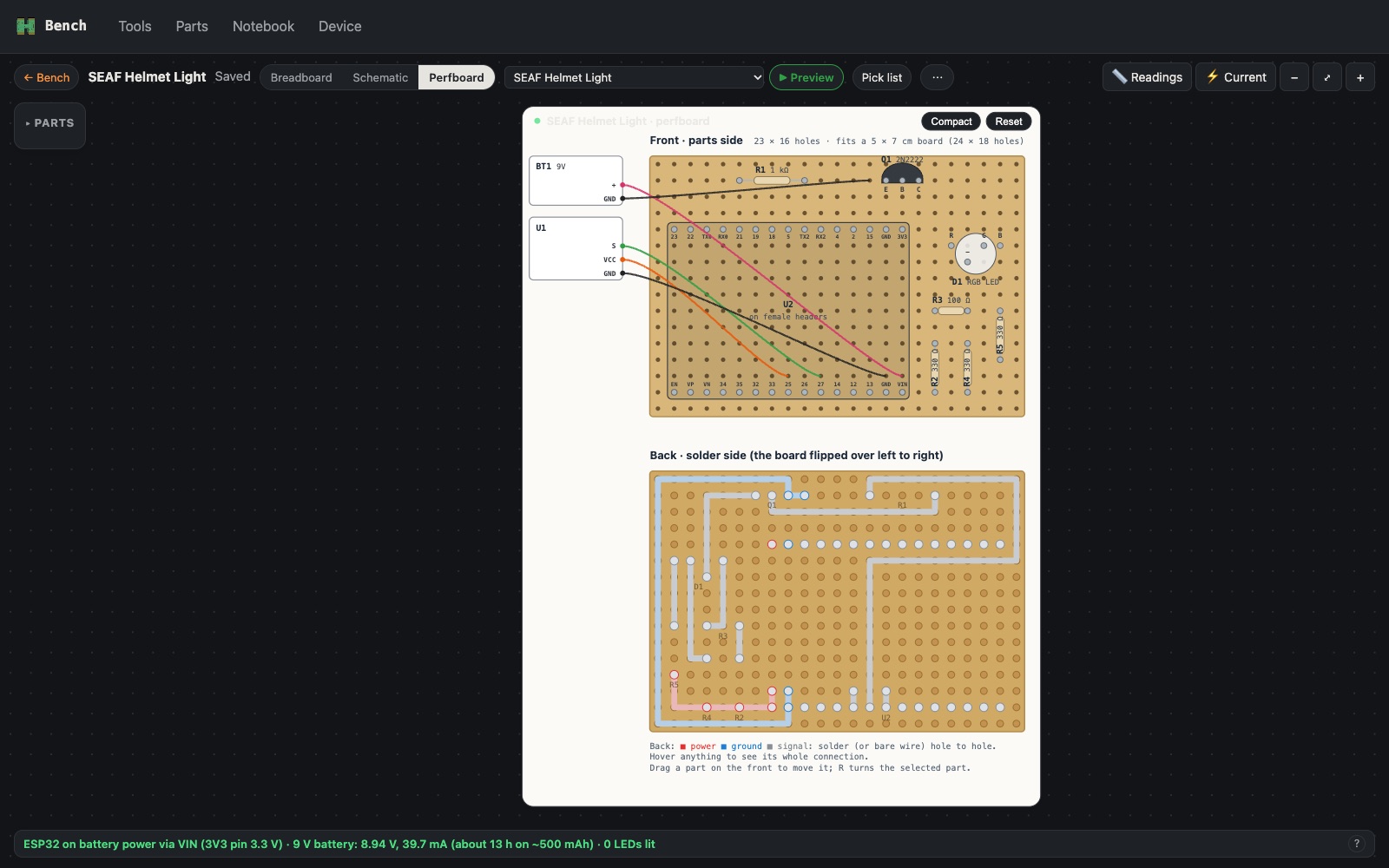
Perfboard
How to solder it for keeps, front and back. Compact packing took the SEAF lamp from a 60 × 17 breadboard footprint down to 23 × 16 holes.
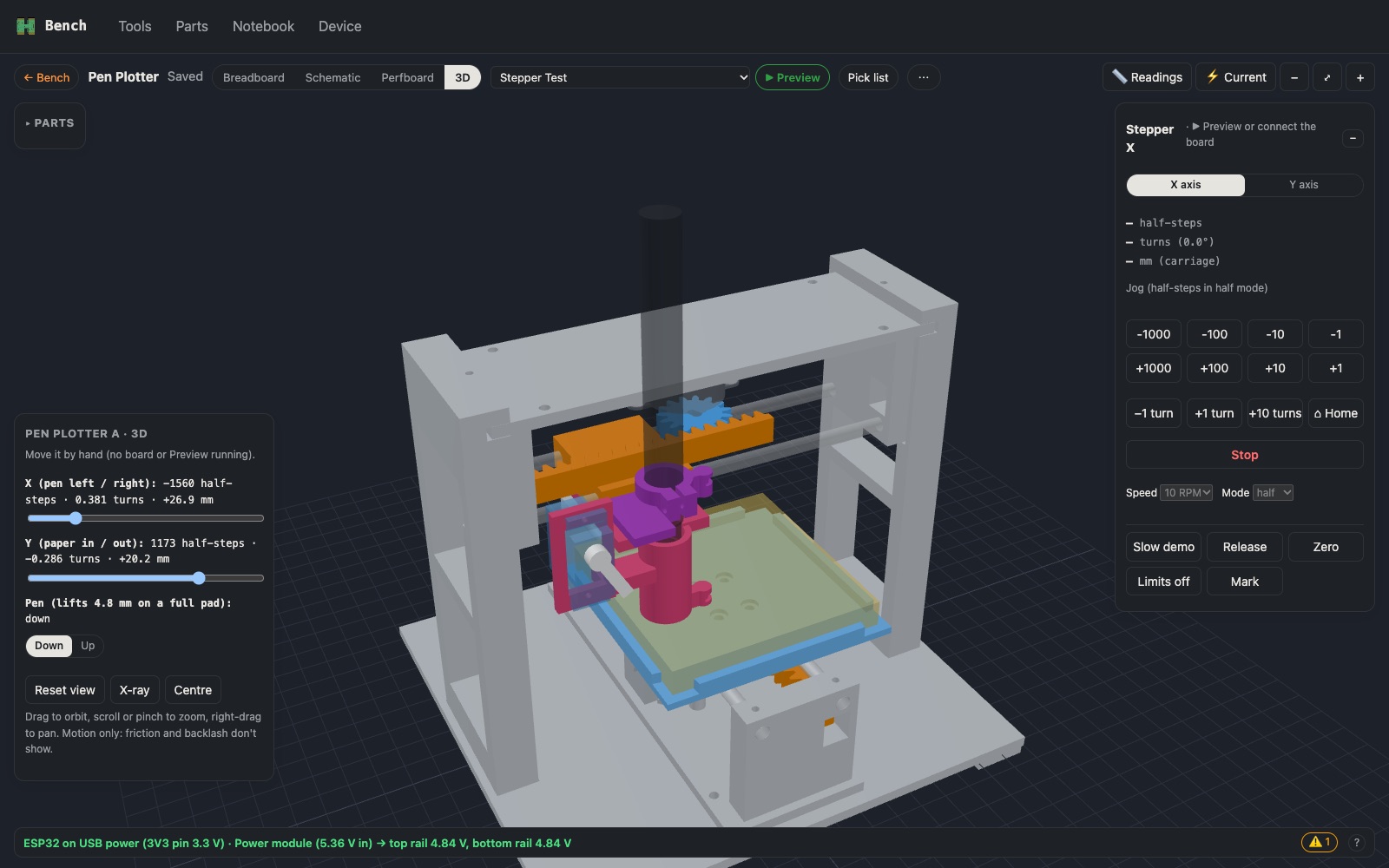
3D mechanism
For projects with printed parts. The pen plotter's frame, axes and pen holder move with sliders, or follow the real board. The parts are Python scripts that write STL files, collision-checked before printing.
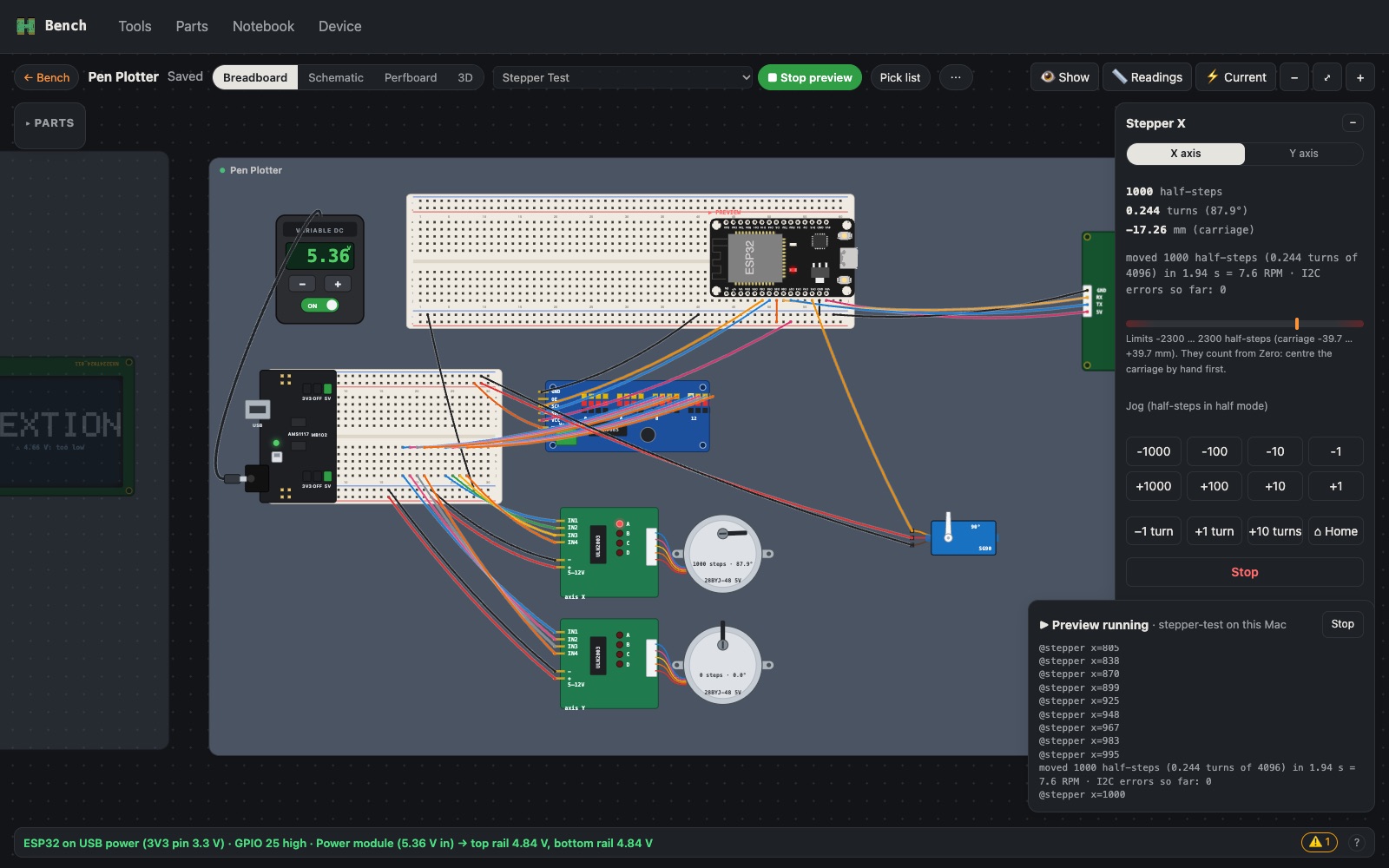
The sketch
Preview compiles the project's ESP32 sketch on the Mac and runs it against the canvas, with an emulated Nextion display. Flash the same sketch to a real board and the canvas mirrors the hardware live.
From the canvas to the desk
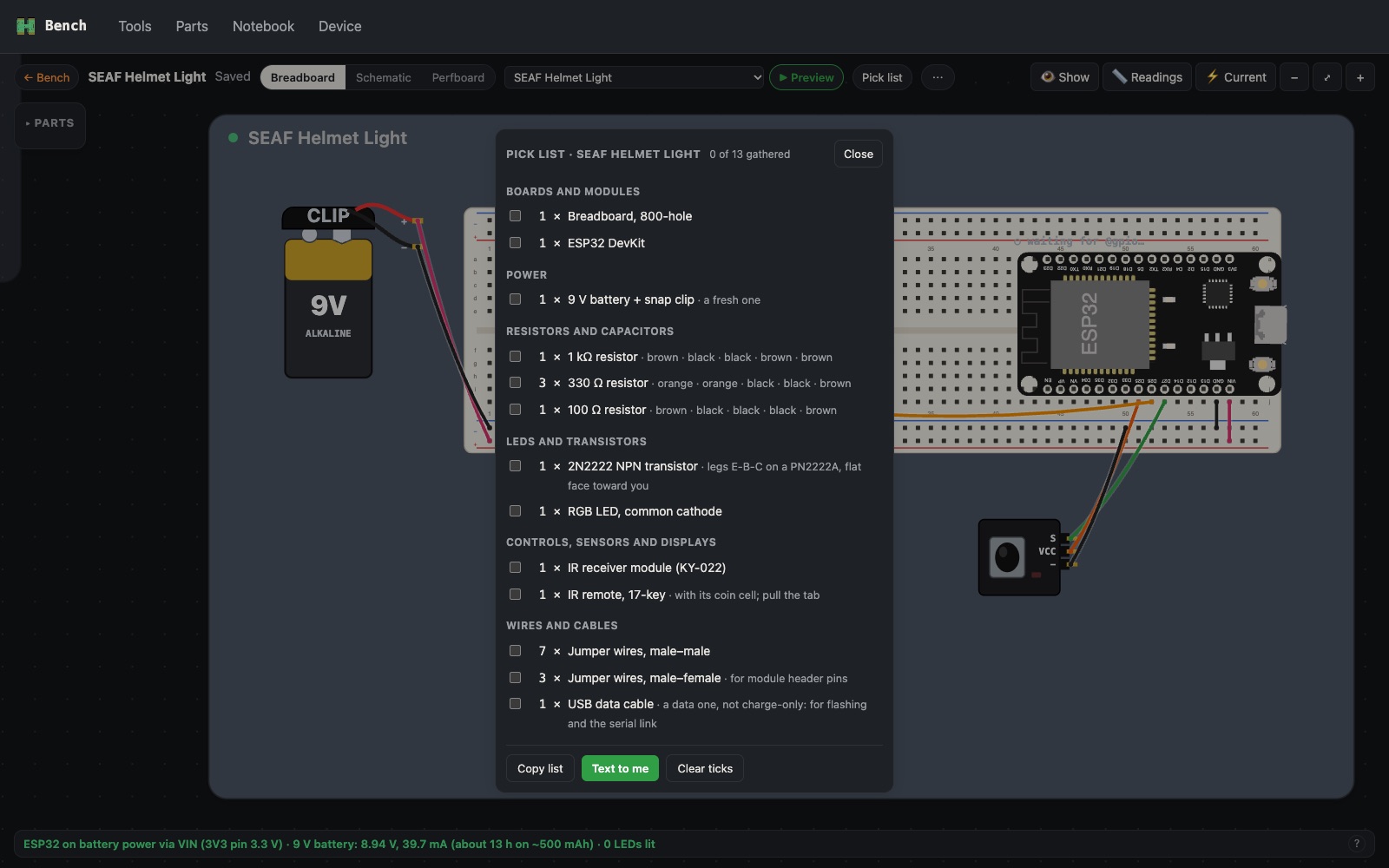
- Pick list. Every part to gather, counted and grouped, with resistor colour bands and transistor leg order.
- Wiring checklist. Tick off each jumper as it goes in; hide wired sections while building the next.
- Flash from the app. Build and upload to an ESP32 over USB, and Bench tells you which sketch is on which board.
- Live mirroring. While the real board runs, its LEDs, servos and steppers move on the canvas too.
- Readings. Meter and caliper measurements are saved with each project and paste straight into a notebook entry.